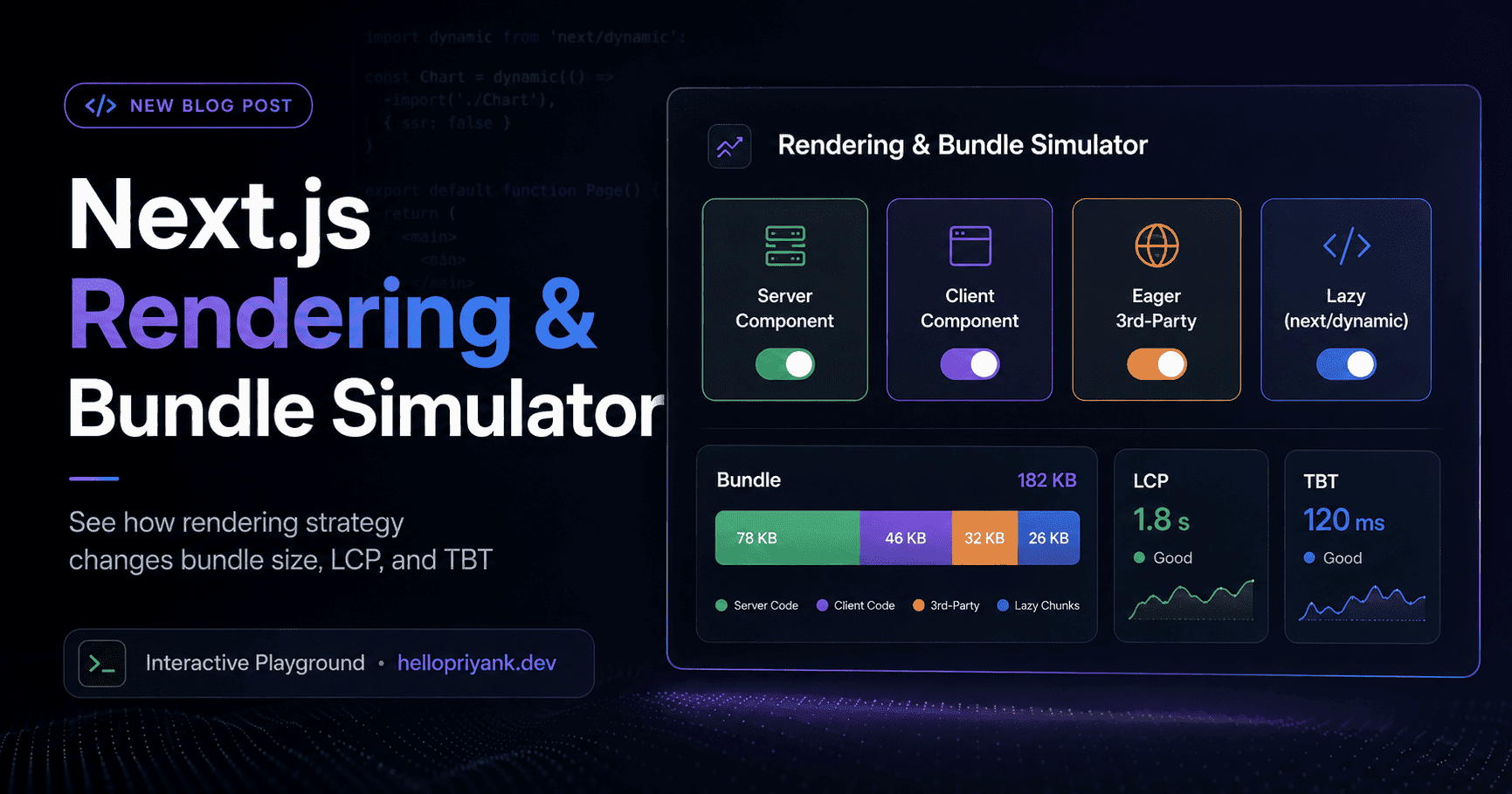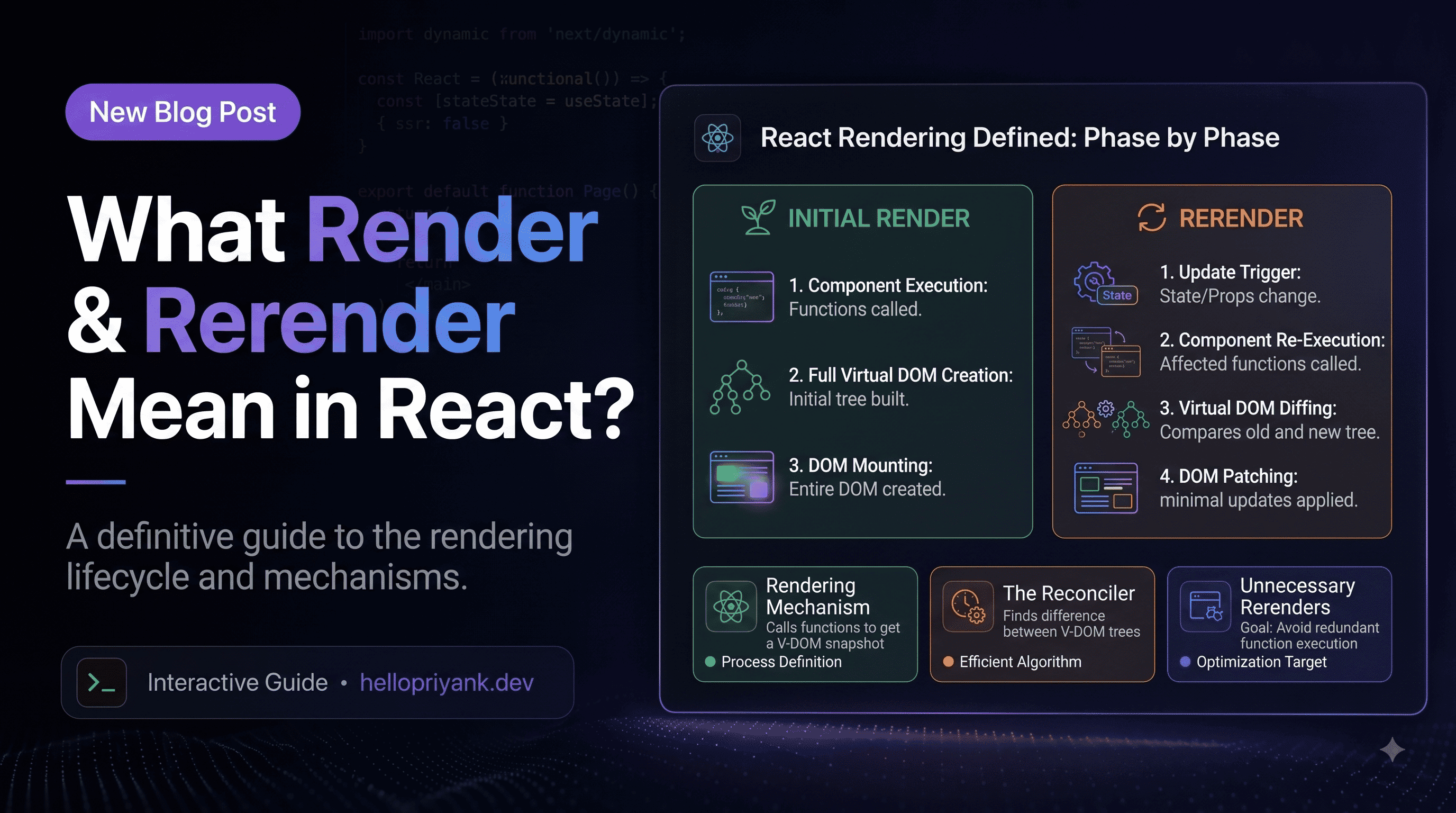

Next.js is heavily marketed as being "fast by default." And it is! If you deploy a blank white page with some standard text, it's basically the Usain Bolt of web frameworks.
But then reality hits. You need an interactive date picker. The marketing team wants three different tracking scripts. You decide to add a 3D spinning logo because, well, it looked cool at 2 AM. Suddenly your beautifully optimized app is dragging a 4MB JavaScript bundle across the finish line, and your Lighthouse score looks like a bad grade in middle-school math.
Over years of fighting in the JavaScript bundle trenches (especially while keeping things snappy during the UCP Product Hunt launch this past April), I've adopted a strict set of architectural rules. Here are the Next.js performance patterns I reach for in every single project to keep the main thread breathing and Core Web Vitals strictly in the green.
01Quarantine the 'use client' zombie virus
With the App Router, Server Components are the default. This is incredible because they send zero JavaScript to the browser. But here's the catch: the 'use client' directive is basically a zombie virus.
If you get lazy and slap 'use client' at the very top of a layout.tsx or a massive page component just because you needed useState for a tiny dropdown menu, you've infected the entire component tree below it. Everything gets bundled. Everything gets sent to the browser. You've just turned your sleek server-side app into a giant 2018-era single-page application.
The pattern: leaf-node interactivity
Push interactivity to the absolute furthest branches of your component tree. The trunk (layouts) and branches (sections) stay on the server. Only the leaves (buttons, inputs) get the client treatment.
LikeButton with 'use client' ships a few bytes. A whole page marked client ships the whole page.02The procrastinator's guide to imports (next/dynamic)
I am a big fan of procrastination when it comes to web performance. If a user can't see a component right away, the browser shouldn't have to download it right away.
When building Colorbrew.co earlier this year, I had to load some pretty heavy design utilities and color-manipulation libraries. If I bundled all of that up front, the initial load would have been brutal for anyone not on gigabit internet.
The pattern: surgical lazy loading
Use next/dynamic for heavy client components that live below the fold, inside modals, or behind tabs. Treat your bundle like a bouncer at an exclusive club: if you aren't on the immediate viewport list, you wait outside.
03Give your LCP image VIP access
Largest Contentful Paint (LCP) is usually your hero image. The default browser behavior is to parse the HTML, eventually stumble across your <img /> tag, and think, "Oh, I guess I should download this." By that point you've wasted precious hundreds of milliseconds.
When I was migrating my portfolio to the hellopriyank.dev domain, getting the initial load completely seamless was the top priority.
The pattern: the priority prop
Find the single largest image visible on the initial screen and slap the priority prop on it. This injects a <link rel="preload"> into the document head, forcing the browser to fetch it immediately.
priority on images below the fold, or you will accidentally DDOS your own bandwidth prioritizing a footer logo. Exactly one hero image gets the VIP pass.04The marketing script quarantine
Your code is pristine. Your Lighthouse score is a perfect 100. Then you get a Slack message: "Hey, can we add Intercom, Google Analytics, Hotjar, and this 4MB tracking pixel from a company no one has ever heard of?"
If you paste those into a raw <script> tag, your Total Blocking Time (TBT) will skyrocket, and your site will freeze while the browser executes marketing telemetry.
The pattern: next/script strategies
Never use a raw script tag. Route everything through next/script and ruthlessly control when each one executes.
05The magician's distraction (Suspense streaming)
If a database query takes 3 seconds, a traditional SSR app will show the user a blank white screen for 3 seconds. The user thinks your site is broken and leaves.
The pattern: granular Suspense boundaries
Wrap your slow, dynamic components in <Suspense>. Next.js will instantly stream the fast, static parts of your page (like the navigation and sidebar) while leaving a placeholder skeleton for the slow parts. It's like a magician distracting you with a shiny loading state while the server is sweating to join three database tables.
Wrapping Up
When you are architecting a complex frontend, it's rarely one massive mistake that ruins performance. It's death by a thousand cuts. A heavy import here, an eager script there, a misused layout wrapper. Adopting these patterns turns performance from a panicked afterthought before launch into a foundational guarantee.
Keep your Server Components clean, your Client Components small, and your Lighthouse score happy.