React developers say "render" all the time. "This rendered." "That re-rendered." "Why did this render again?" Then someone opens the console, sees the same log printed six times, and suddenly the room has the energy of a production incident wearing a hoodie.
The confusing part is that "render" sounds like "paint the screen again" or "reload the page." In React, it usually means something much smaller and more boring: React called your component function to calculate what the UI should look like now.
This article is the clean mental model: what render means, what re-render means, whether the browser reloads, whether the DOM changes, and how React.memo, useMemo, and useCallback affect the process.
01What render actually means
In React, rendering is the process of calling your component function and asking it: "Given the current props, state, and context, what UI should exist?"
Your component returns JSX. JSX is not the DOM. It is a description of what you want. React takes that description, compares it with the previous one, and later decides what DOM changes are actually needed.
When React renders Greeting, it calls the function. The console log runs. The function returns <h1>Hello, Priyank</h1>. That is render.
02Render vs re-render
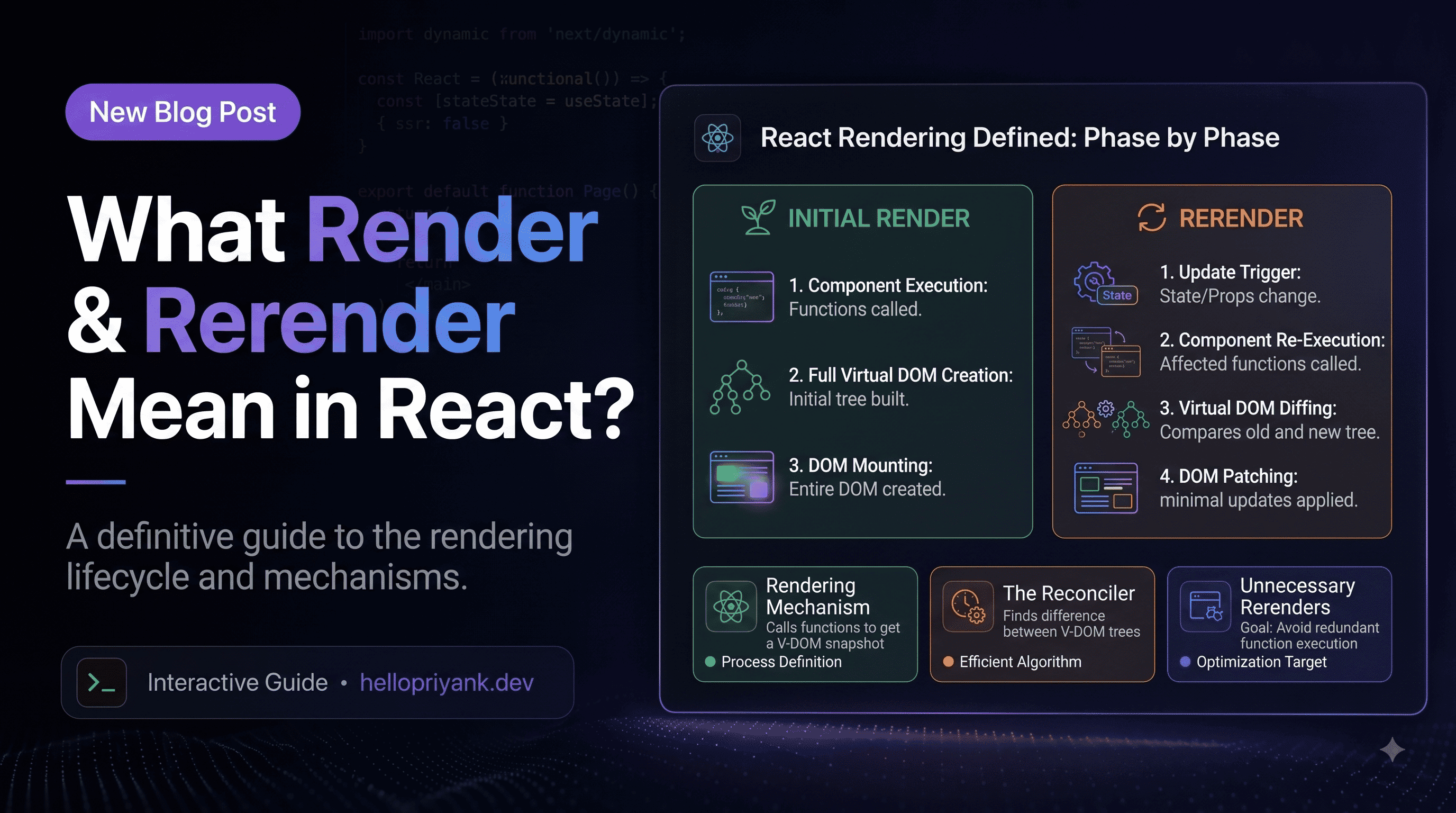
The first time React calls a component, we usually call it the initial render. When React calls the same component again because something changed, we call that a re-render.
When the component appears on screen, React renders it with count = 0. When you click the button, state changes. React re-renders it with count = 1. Same function, new input, new UI description.
A re-render is not React saying, "Destroy everything, we start from scratch." It is React saying, "Let me recalculate this part of the UI and see what actually changed." Much calmer. Fewer dramatic sound effects.
Render is a snapshot
Every render has its own snapshot of props and state. Event handlers created during that render close over that snapshot. This is why stale state bugs happen.
If count was 0 in the render that created logLater, that handler remembers 0. React did not lose your state. Your function kept an old snapshot. JavaScript closures are powerful, but they occasionally enjoy making developers stare at the ceiling.
03Does render mean full reload?
No. A React render does not reload the page. It does not refresh the browser tab. It does not refetch your JavaScript bundle. It does not rerun the whole app from the HTML document like a hard refresh.
If a button click causes a React state update, the browser is still on the same page. JavaScript is still running in the same tab. React is just doing work inside the app.
Clicking this button does not reload the page. It updates state, React re-renders the component, then React changes the text if needed.
04Does render mean DOM changed?
Also no. Render means React calculated a new UI description. The DOM changes only during the commit phase, and only if React finds a real difference.
If count is already 0 and you set it to 0 again, React can bail out because the state value did not change. No useful DOM update is needed. React is not paid by the DOM mutation.
Render can happen without visible change
A parent can re-render, a child can be called again, React can compare the output, and the DOM can remain exactly the same. That is common. It is not automatically a bug.
Child may render when Parent renders, but its DOM output is identical. React can keep the existing paragraph in place. The console log changed; the screen did not.
05What triggers re-renders?
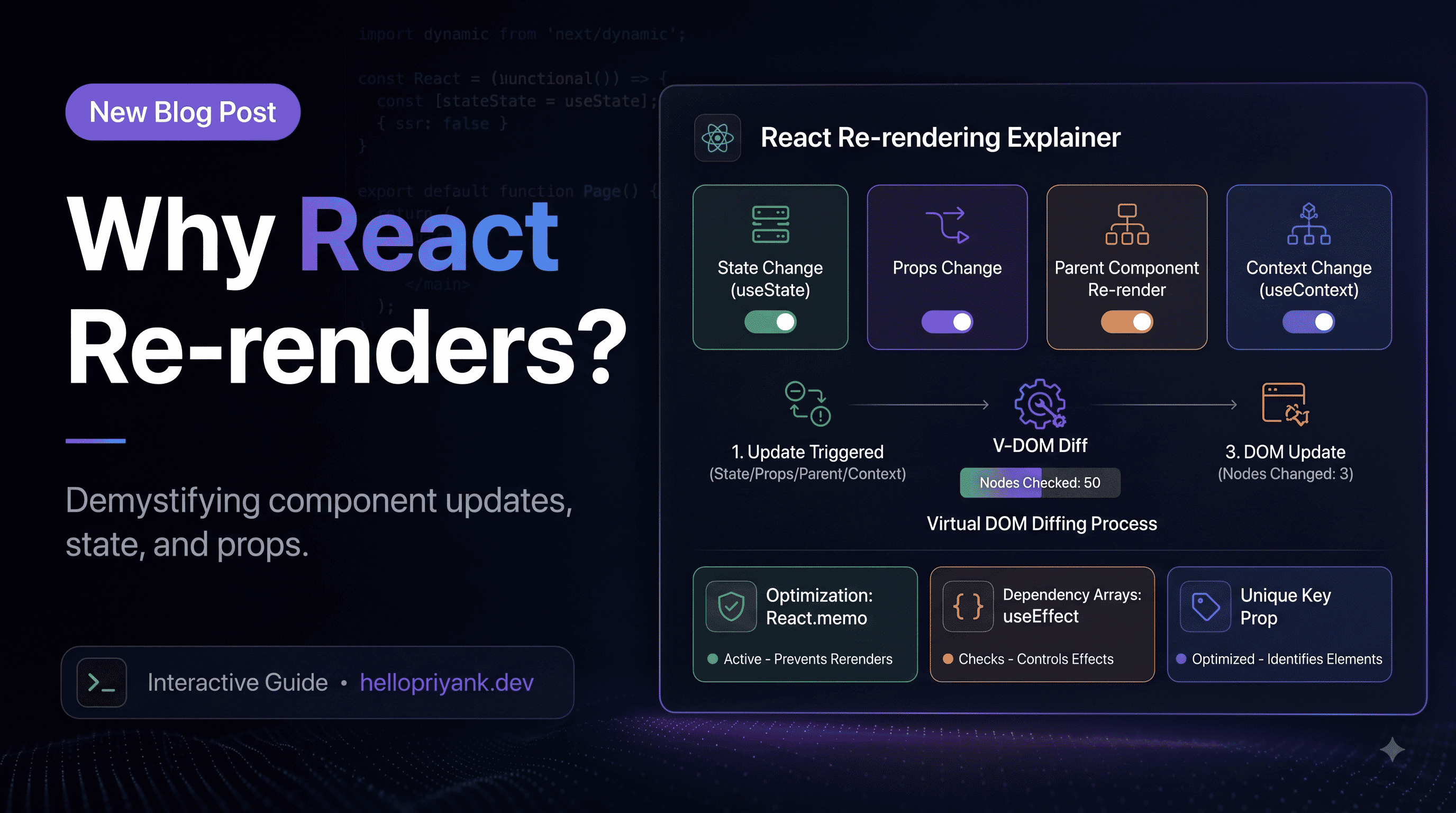
React re-renders when one of the inputs to a component may have changed. Most re-renders come from these sources:
- State changed. A component calls
setStateor a hook setter. - Parent rendered. React normally evaluates children when their parent renders.
- Context value changed. Components reading that context can render again.
- External store changed. Redux, Zustand, query libraries, form stores, and subscriptions can notify React.
- Key changed. React may remount instead of re-rendering, which resets local state.
Notice what is not on the list: "the DOM felt like changing." React starts from data changes and component relationships. The DOM is the result, not the trigger.
06Why children render with parents
This is probably the most common surprise: if a parent renders, children often render too, even when their props look unchanged.
Click the button and both logs can run. The child's prop is the same, but the child is part of the parent's output. React asks the child for its output again.
This is normal and usually cheap. React components are just functions. Calling a small function again is not a crisis. Performance problems start when the child is expensive: a huge chart, a massive list, expensive formatting, heavy calculations, or lots of nested work.
07React.memo in plain English
React.memo tells React: "If this component receives the same props as last time, you can reuse the previous result and skip calling the component function."
Now, when Parent renders because count changed, Child can skip rendering because its label prop is still the same string.
memo compares props shallowly
This detail matters. React.memo does a shallow comparison. Primitive values are easy. Objects, arrays, and functions are compared by reference.
This still re-renders UserCard. Why? Because { id: 1, name: 'Priyank' } creates a new object every time Page renders. The object looks the same, but the reference is different. React is not reading your mind. Honestly, good.
Now the user reference is stable, so React.memo has a chance to do its job.
React.memo is not a force field. It only helps when props are stable and the skipped render is worth skipping.08useCallback and function identity
Every time a component renders, any function declared inside it is created again. That is normal JavaScript. Usually it does not matter. It matters when you pass that function to a memoized child.
Toggle the theme. Editor renders. handleSave is recreated. SaveButton receives a new onSave prop, so React.memo cannot skip it.
useCallback keeps a function reference stable
Now handleSave keeps the same reference when theme changes. It only changes when text changes, because text is in the dependency array.
Important: useCallback does not stop the parent render
useCallback does not prevent Editor from rendering. It only helps keep a function prop stable so memoized children can skip rendering.
useCallback(fn, deps) is basically useMemo(() => fn, deps). It memoizes the function reference, not the function's result.09useMemo vs memo vs useCallback
These three are related, but they do different jobs. Mixing them up is easy because their names sound like they were chosen during a naming meeting that ran out of snacks.
In this example, useMemo stabilizes the data array, useCallback stabilizes the click handler, and React.memo lets the chart skip rendering if those props did not change.
The dependency array is the truth contract
If a callback or memoized value uses a variable from the component scope, that variable usually belongs in the dependency array. Leaving dependencies out can create stale values. Adding too many unstable dependencies can make memoization useless. This is where React asks you to be honest. Annoying, but fair.
10When optimization is worth it
Not every re-render deserves a fix. Many re-renders are cheap, harmless, and simpler than the memoization code you might add to avoid them. The goal is not to make React render as little as mathematically possible. The goal is to keep rendering work predictable and fast.
- Measure first. Use React DevTools Profiler before sprinkling memoization everywhere.
- Memoize expensive children. Charts, large lists, editors, maps, and heavy visual components are good candidates.
- Stabilize props for memoized children. Use
useMemofor object/array props anduseCallbackfor function props. - Move state down. If only a small component needs state, do not put it high in the tree and re-render half the page.
- Split context. Do not put rapidly changing values and rarely changing values in one giant provider.
- Prefer clarity until performance asks for more. Memoization adds mental overhead. Spend it where users actually feel the cost.
A tiny decision tree
If a component re-renders, ask: did the page reload? If no, relax. Did the DOM visibly change? If yes, maybe that was the point. Is the render expensive or frequent enough to hurt interaction? If no, keep the code simple. If yes, profile, then optimize the specific path.
Once that model clicks, re-renders stop feeling spooky. They become normal bookkeeping. React checks what the UI should be, compares it with what the UI already is, and changes only what needs changing. The trick is not to fear renders. The trick is to make expensive renders rare, intentional, and measurable.
React.memo skips component calls when props are stable, and useCallback helps make function props stable.